


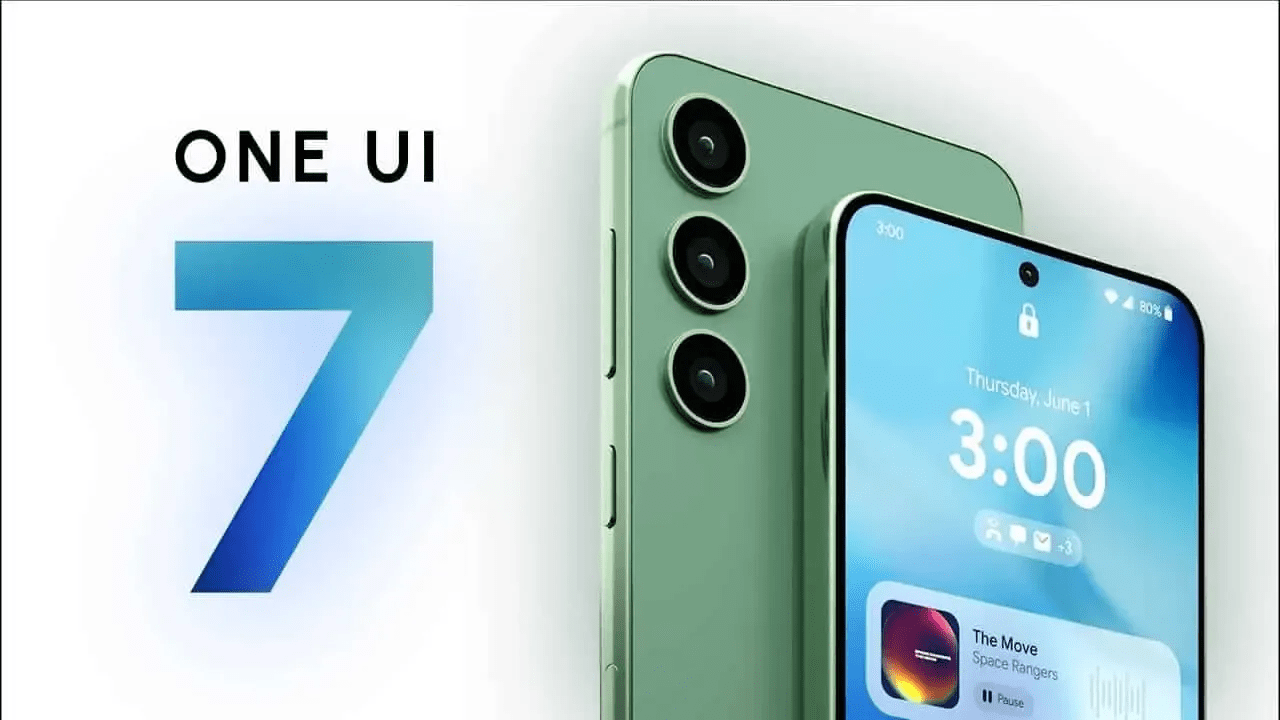
Introduction
Samsung’s One UI 7 is redefining the Android experience by addressing long-standing issues with default launchers. This version of One UI has impressed even the most skeptical users, offering fluid animations, improved widgets, and a more intuitive interface. Here’s why it stands out:
Smooth Animations
One UI 7 introduces some of the most fluid animations seen in Android:
- App icons smoothly transition into fullscreen windows
- Returning to the home screen animates the app window back into the icon
- Volume controls and quick settings flow with harmony
These animations not only enhance aesthetics but also improve usability, making interactions feel more natural.
Redesigned Icons
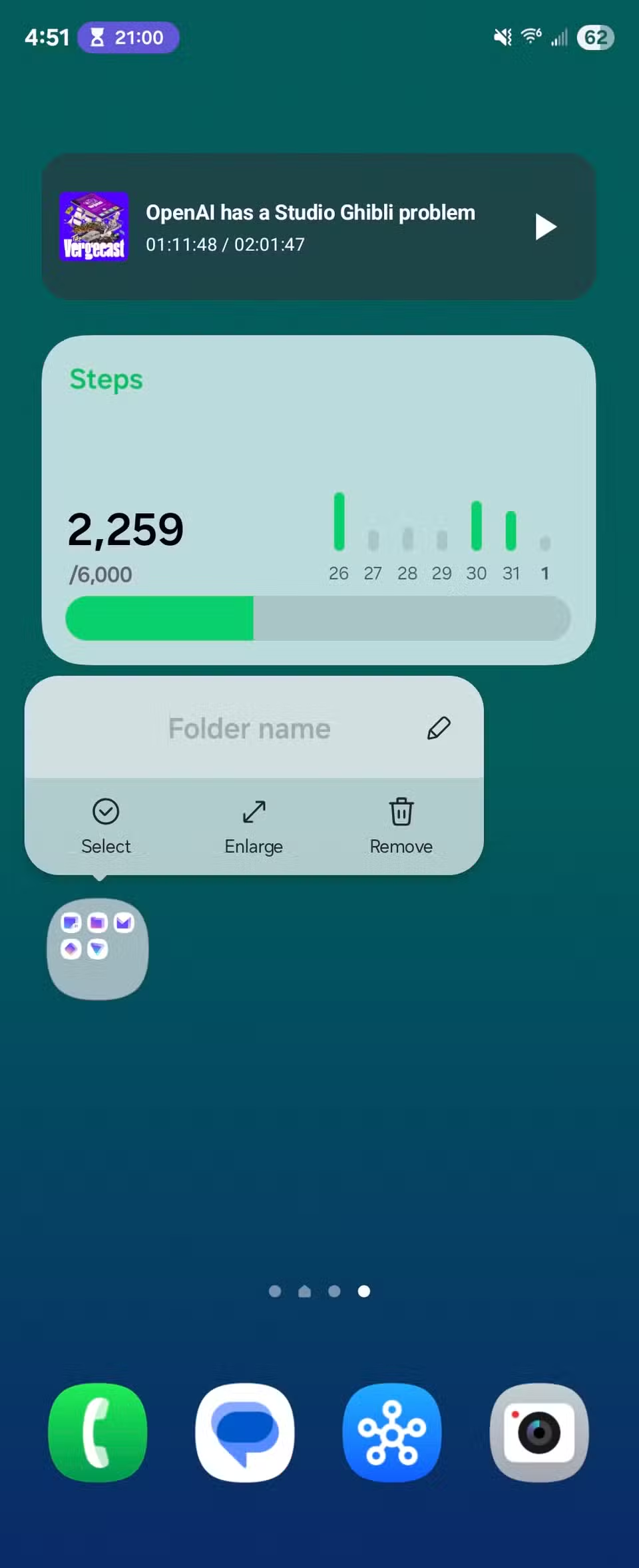
Samsung’s new app icons are a highlight of One UI 7:
- Modern, visually appealing design
- Consistent with Samsung’s overall aesthetic
- Enhanced user experience through thoughtful iconography
These icons are not just decorative; they contribute to a cohesive and pleasant visual experience.
Enhanced App Folders
App folders in One UI 7 offer improved functionality:
- Option to enlarge folders into widget-like structures
- Direct access to apps within folders without opening them
- Better organization without sacrificing accessibility
This feature allows users to group apps efficiently while maintaining quick access.
Widgets with a Fresh Look
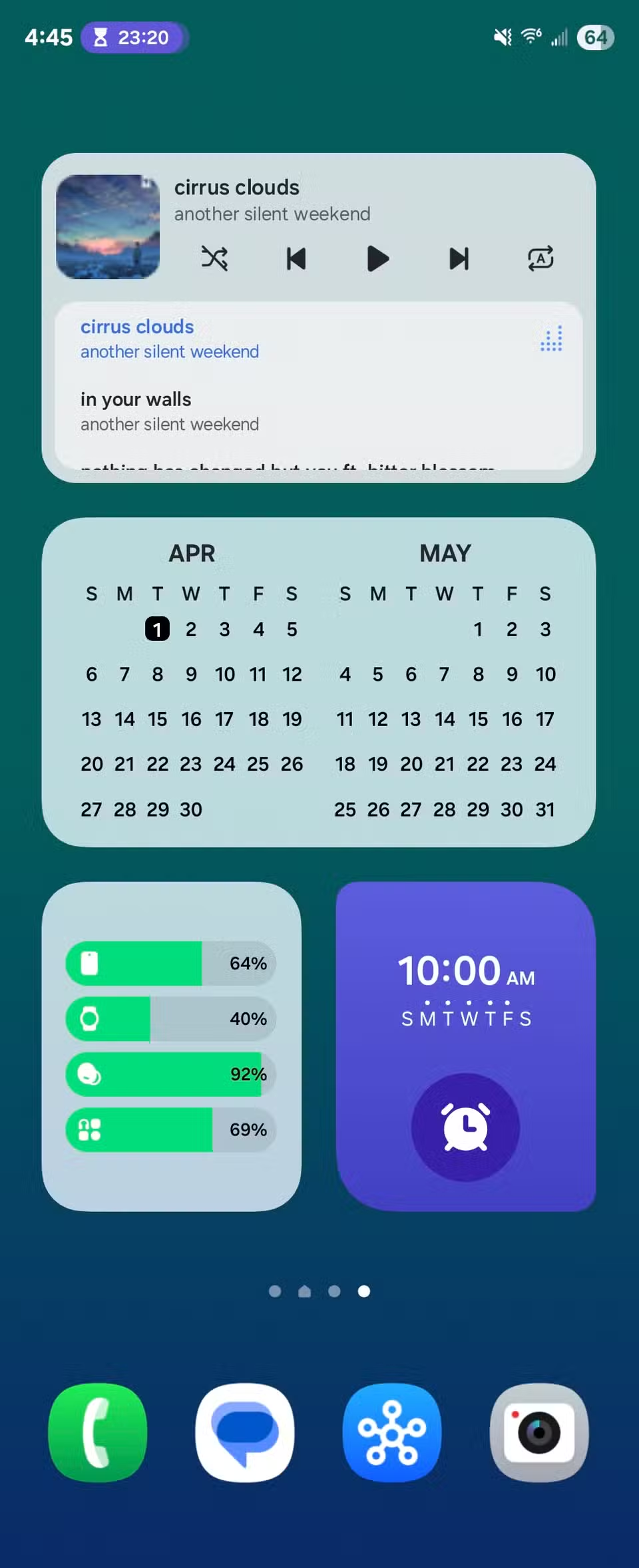
Widgets in One UI 7 have been redesigned for better usability:
- Rounded corners and improved transparency
- Multiple widget styles for the same app
- Customizable appearance and functionality
The attention to detail in widget design makes them more visually appealing and functional.
Vertical App Drawer
The switch to a vertical app drawer is a significant improvement:
- Replaces the outdated paginated approach
- Aligns with modern Android design standards
- More intuitive and efficient navigation
This change simplifies app management and makes the interface feel more cohesive.
New Taskbar Experience
The redesigned taskbar enhances usability on foldable devices:
- Accessible via a swipe-up gesture
- Improved visual appeal over previous designs
- Consistent with Samsung’s edge panel functionality
The taskbar now feels more integrated and provides a seamless experience across devices.
Conclusion
Samsung’s One UI 7 has transformed the default Android launcher experience by focusing on details that matter. From fluid animations and redesigned icons to enhanced widgets and a vertical app drawer, this update addresses many longstanding pain points. For users tired of third-party launchers, One UI 7 offers a compelling reason to stick with the default experience.